Chessy
Web app for reviewing public Chess.com games with Stockfish and training openings and tactics, free, without login and entirely in the browser.
The problem
Playing more games does not automatically lead to better chess. After a loss, spotting a hanging piece may be easy; understanding when the position changed, which alternative was stronger or whether a reasonable-looking decision started the problem is much harder. Full analysis tools often require an account, send information to a server or expose an engine score without turning it into useful guidance.
What we built
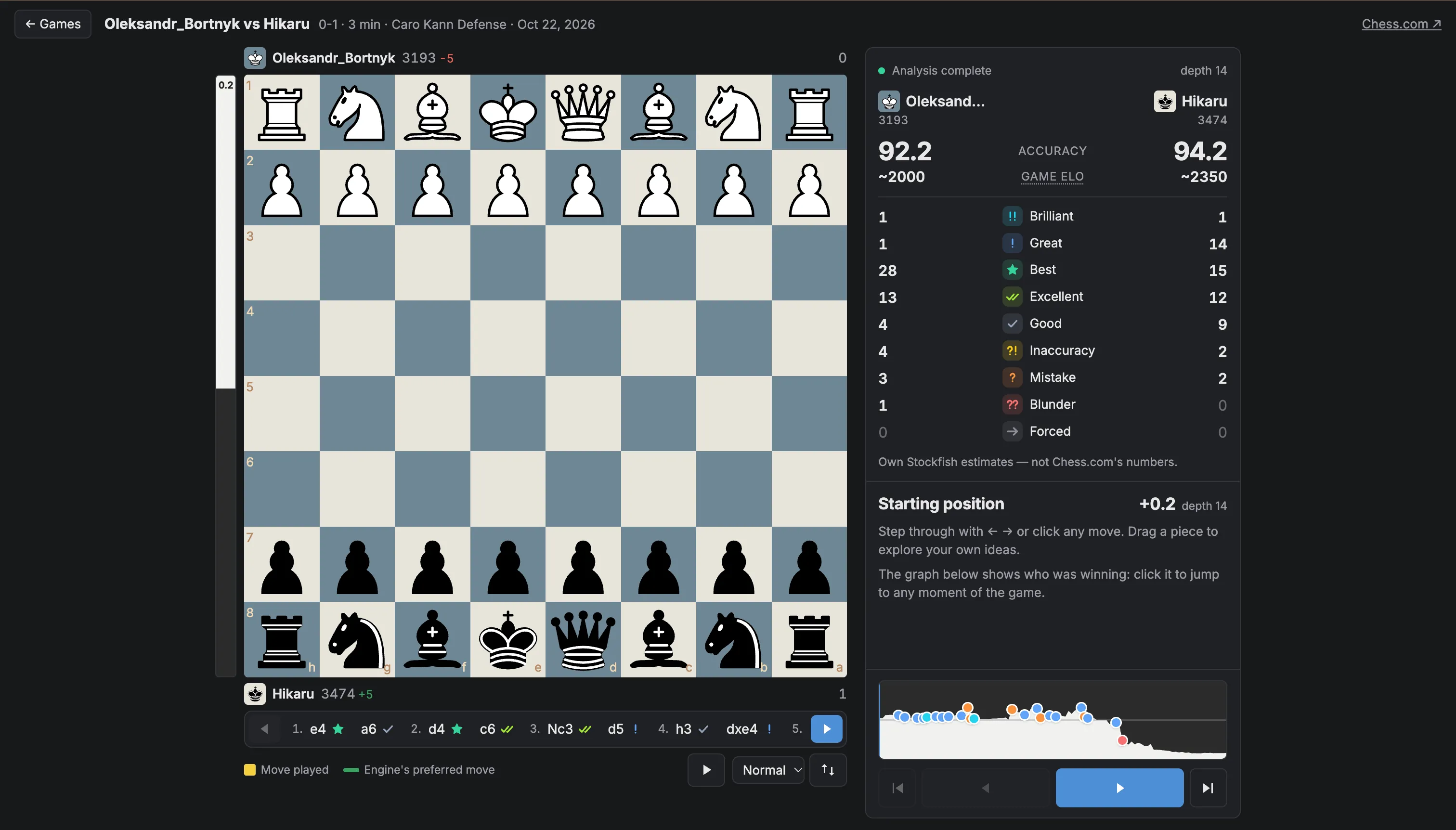
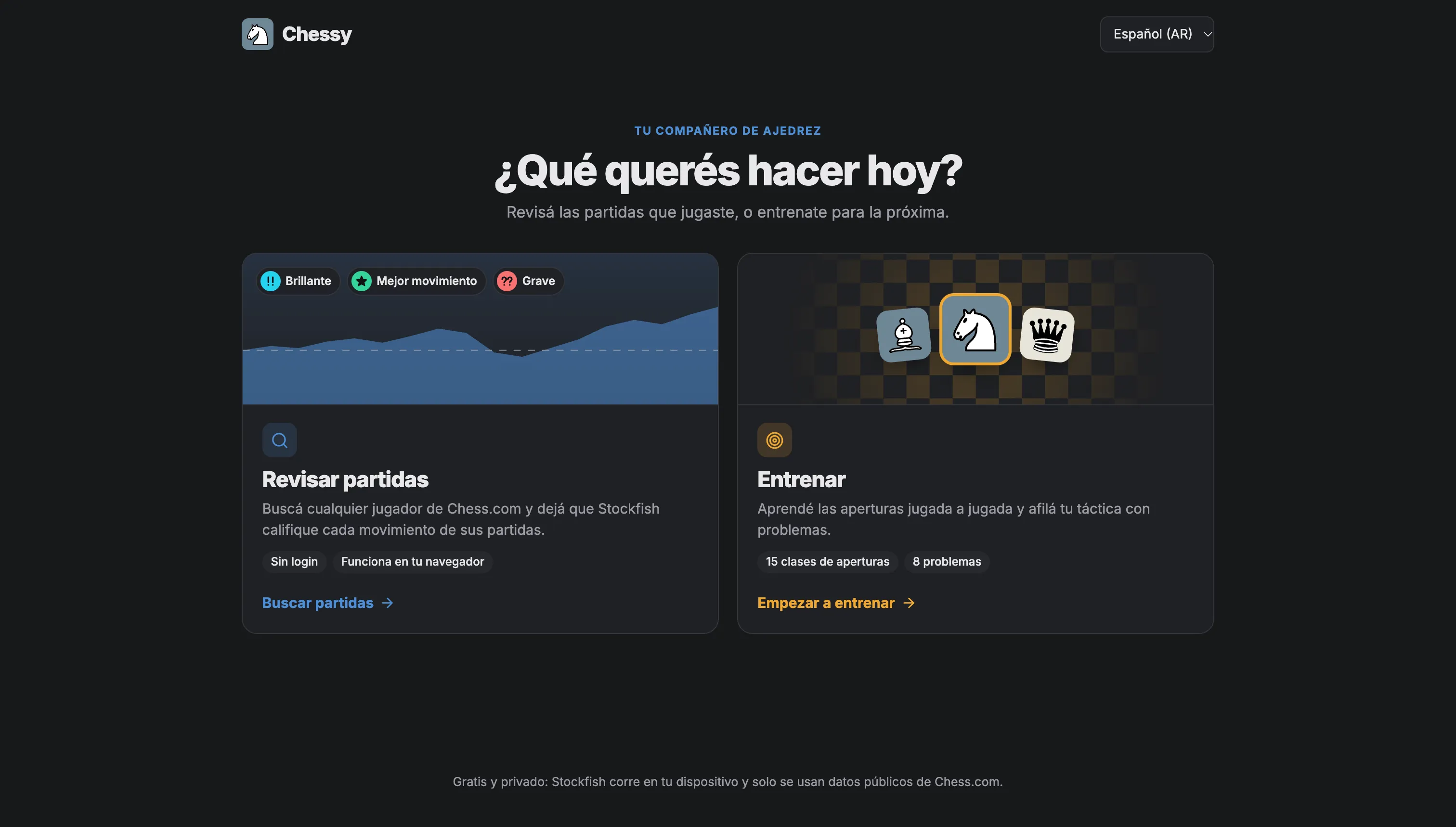
Chessy brings review and training together in a free, bilingual web application. Enter a Chess.com username, choose a public game and get a complete Stockfish analysis: estimated accuracy, a rating for every move, the evaluation before and after it, the best available move and a graph for navigating the decisive moments.
The review is not a passive replay. Players can navigate with the keyboard or on-screen controls, flip the board, autoplay the game and move any piece to explore a variation. Stockfish then evaluates the new position and suggests a reply, turning every mistake into a chance to test another idea.
The product also supports what comes after the review. Opening classes explain where each system comes from and walk through its line move by move. Tactical puzzles present positions with a clear goal, provide hints and save progress locally.
All evaluation runs in the browser with Stockfish compiled to WebAssembly. Chessy uses public Chess.com data only and needs no backend, login or database. Its classifications and accuracy figures are clearly presented as Chessy’s own estimates rather than Chess.com metrics.
[ Features ]
- 01 —
Chess.com games, no login
Search any public profile, browse its recent games and choose one to review without creating an account or connecting credentials.
- 02 —
Stockfish inside the browser
The engine analyzes every position locally through WebAssembly and a Web Worker. There is no backend, database or private game data sent to a server.
- 03 —
Move-by-move analysis
Rate every move, compare evaluations, estimate accuracy and show the best alternative alongside the evaluation of the full game.
- 04 —
A board for exploring variations
Step through or autoplay the game, then move pieces to test an idea and get a fresh response from the engine.
- 05 —
Guided opening lessons
Each class introduces the story behind an opening and teaches its line one move at a time on an interactive board.
- 06 —
Tactical puzzles with progress
Solve positions across difficulty levels with hints and immediate feedback. Completed puzzles and best attempts stay saved in the browser.
[ The product ]
A closer look at the product in use.